


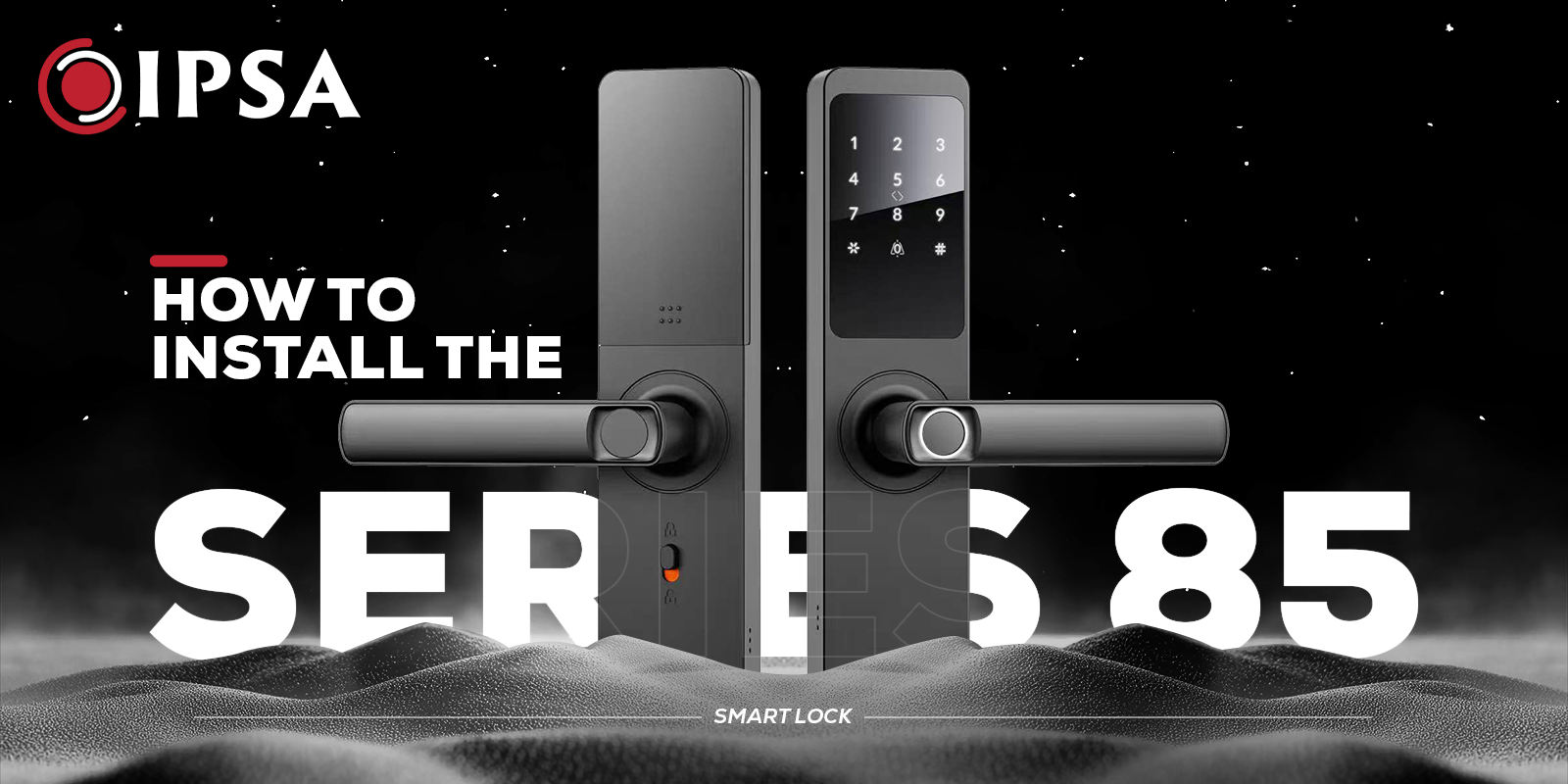
Staring at a pile of loose wires, brass screws, and rubber gaskets while holding a brand-new, upgraded piece of front door hardware can feel slightly intimidating. Most of us want better home security, but completely dread the tedious process of configuring complex electronics on a heavy, expensive wooden slab. Moving past traditional keys is supposed to reduce daily friction, yet facing a complex manual setup usually does the exact opposite. Smart Lock That Put Security and Convenience in Your Hands.
We understand that hesitation because we have watched homeowners spend hours tracking down missing drilling bits or accidentally trapping their data wires inside the mortise plate. Setting up the modern Smart door locks requires patience, but handling the physical alignment carefully prevents sensitive electronic components from wearing out early. Smart Lock That Put Security and Convenience in Your Hands.
Preparing Your Wooden Door Frame for Upgraded Hardware
Before cutting into a costly wooden structure, checking the actual measurements saves major frustration down the line. Skipping baseline checks usually results in misaligned frames and sticking bolts.
- Door Thickness: Fits standard wooden doors between 35mm and 90mm.
- Cutout Check: Ensure your existing cutout matches the new spindle mechanism.
- Debris Clearing: Clear out old splinters so the chassis sits flat.
- Gasket Seal: Smooth out uneven surfaces to prevent dust and moisture leaks.
- Tools Needed: Have a drill, chisel, and masking tape ready for wiring prep.
Aligning the Mechanical Mortise and Spindle
Fitting the mechanical mortise assembly into the door slot forms the structural base of the whole system. If this metal box sits crookedly inside the core, the latch bolt will scrape against the strike plate every time the door expands with shifting weather.
- Orientation Check: Match the latch to the door’s natural swing before inserting the mortise.
- Torque Tuning: Avoid over-tightening screws to prevent warping the interior mechanism.
- Key Preservation: Mechanism warping causes the mechanical backup key to stick during lockouts.
- Spindle Placement: Insert the spindle gently to avoid tearing the internal data cables.
| Door Parameter | Specification Requirement | Installation Notes |
| Minimal Door Thickness | 35 mm | Ensure the core is completely solid and free of old internal wood rot. |
| Maximum Door Thickness | 90 mm | Requires longer alignment screws included in the default extension pack. |
| Mortise Depth Room | Standard 6052 slot | Clean out loose wood shavings completely before sliding the box inside. |
Managing Internal Connecting Data Cables
Passing the thin electronic wire loom through the upper bore hole demands your full attention. This wire loom acts as the central nervous system of your smart entryway setup.
Mounting the Front and Back Smart Door Lock Panels Smoothly
Securing the heavy exterior handle requires balancing the front panel while threading interior mounting bolts, so a second set of hands helps maintain alignment. Any panel tilt causes the internal handle clutch to drag, draining battery power rapidly.
Our experience at ipsaindia.com shows that keeping this alignment square prevents premature motor failure and mechanical errors. For the best fit, keep the mounting screws loose until you test the manual handle movement a few times
Ensuring Flat Gasket Seal Placement
Rubber waterproofing pads must lie flat against both sides of the wood without curling at the corners. These layers are the only barrier keeping your internal components safe from outside moisture.
Testing the Deadbolt Engagement Manually
Before dropping the AA batteries into their slots, turning the manual indoor thumb-turn ensures the deadbolt extends without hitting resistance. Smooth manual movement is an absolute requirement before introducing electric power.
Configuring the Smart Door Locks Multi-Authentication System
Once four AA batteries are installed, a startup tone confirms the system is powered. Set up the administrator profile immediately to secure access control. The lock stores 100 fingerprints and 100 passwords for family and guests. Registering your primary fingers at multiple angles ensures faster biometric scanning when your hands are full.
| Authentication Type | Total Storage Capacity | Recommended Usage Profile |
| Biometric Fingerprint | 100 Unique Slots | Best for daily family access, register multiple angles per person. |
| Custom Digital Password | 100 Unique Slots | Ideal for temporary access or backup entry code options. |
| Physical Mechanical Key | Manual Cylinder Override | Keep outside the home in a secure secondary location for emergencies. |
| RFID card | 100 unique RFID cards | Simply tap the registered card against the designated reader zone for instant door unlocking. |
Registering Administrative Biometric Profiles
The first few registered profiles serve as the system masters for editing codes later on. If you rush through this part, managing secondary profiles later becomes a headache.
- Surface Prep: Ensure your finger is dry and grease-free for the initial setup.
- Data Capture: The scanner records ridge lines over multiple touches to build a dependable baseline.
- Redundancy: Register a backup finger on your non-dominant hand in case your primary print gets injured.
- User Logging: Log which slot belongs to whom to simplify user updates down the line.
Connecting the Mobile Application via Wi-Fi
The integrated Wi-Fi module connects the system straight to your home network without requiring an expensive external hub. This cloud connection extends your access capabilities beyond your doorstep.
- Remote Codes: This link allows you to generate temporary one-time passwords for delivery workers or remote service staff right from your phone.
- Proximity Rule: During the initial pairing process, staying close to your router ensures a stable data connection.
- Band Verification: If the application fails to discover the lock panel, checking your local network frequency helps, as most smart hardware models require a standard 2.4GHz Wi-Fi band to communicate reliably.
- Access Monitoring: The app interface tracks entry logs in real-time, giving you clear visibility into who accesses your home throughout the day.
Maintaining Your Digital Locks for Consistent Daily Use
Long-term stability requires minimal care, like wiping the scanner with a microfiber cloth to keep dust from blocking the sensor. Avoid harsh chemical cleaners that wear away the protective matte finish over time. Monitoring power levels prevents sudden lockouts and the built-in alarm triggers below 4.9V, leaving plenty of time to replace batteries. As an established smart door locks exporter, we deliver hardware built for varying climates, utilizing heavy-duty internal gears that easily withstand constant wear across different regions.
Handling Emergency Power Override Situations
If the internal batteries drain completely while you are away, the hidden external port offers an easy power backup option. Knowing how to bypass a dead battery prevents costly locksmith calls.
| System Warning Sign | Voltage Threshold | Required Immediate Action |
| Low Voltage Audio Alert | Below 4.9 Volts | Replace all 4 AA alkaline batteries with fresh identical units. |
| Complete Panel Unresponsiveness | Critical Depletion | Use an external Micro-USB power bank or the physical mechanical override key. |
Checking Alignment Shifting Over Time
Heavy doors naturally settle on hinges over time, causing a mechanical drift that alters deadbolt alignment and can jam automatic locking functions. Checking and tightening hinge screws twice a year keeps the door straight and square. Maintaining a stable frame prevents unnecessary mechanical stress, ensuring the system runs smoothly for years without needing replacement parts.
Final Thoughts
Completing this security upgrade correctly means paying close attention to initial frame cuts, neat wire routing, and exact strike plate alignment. Verifying your specific door thickness prevents unexpected gaps beneath the rubber gaskets during final panel assembly. Managing these small installation details leaves you with a highly responsive, modern security system that protects your entry reliably.
Choosing dependable Digital locks eliminates the daily frustration of misplaced keys while ensuring your family enjoys seamless access control and modern monitoring tools every single day.
